
GMLYFT

Now live on iOS + Android

Plan your training. Start faster. Stay consistent.

GMLYFT helps you organize your week, launch workouts from today's plan, log sets with less friction, and review progress with data you can actually use.

From routine setup to recovery timers, workout history, and settings that match how you train, the app stays focused on repeatable consistency.

What you can do in GMLYFT

Build your weekly structure, run sessions with clear in-workout guidance, review completed workouts in detail, and tune the app around your preferences. GMLYFT keeps planning, execution, recovery, and review connected.

  • Plan training days and exercise order
  • Log workouts with rest and recovery support
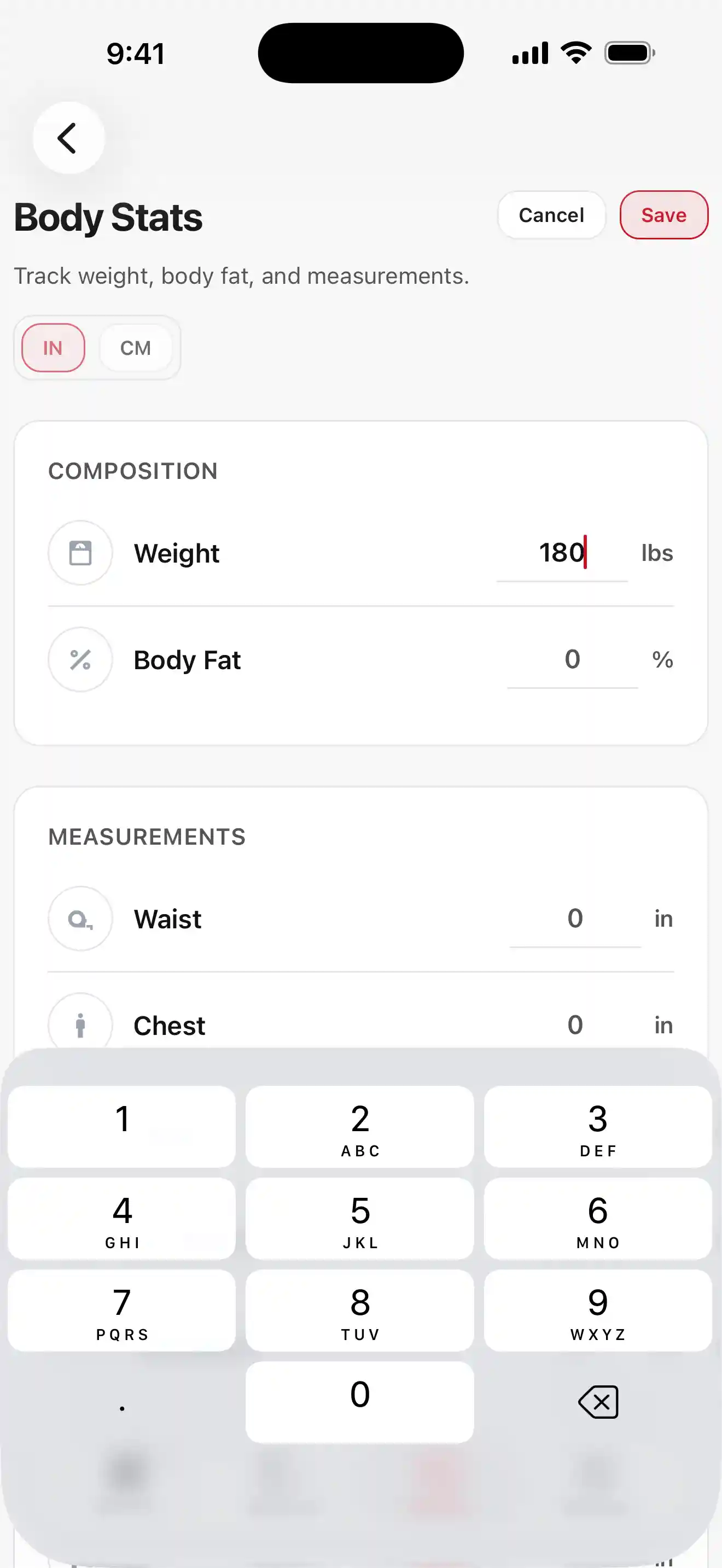
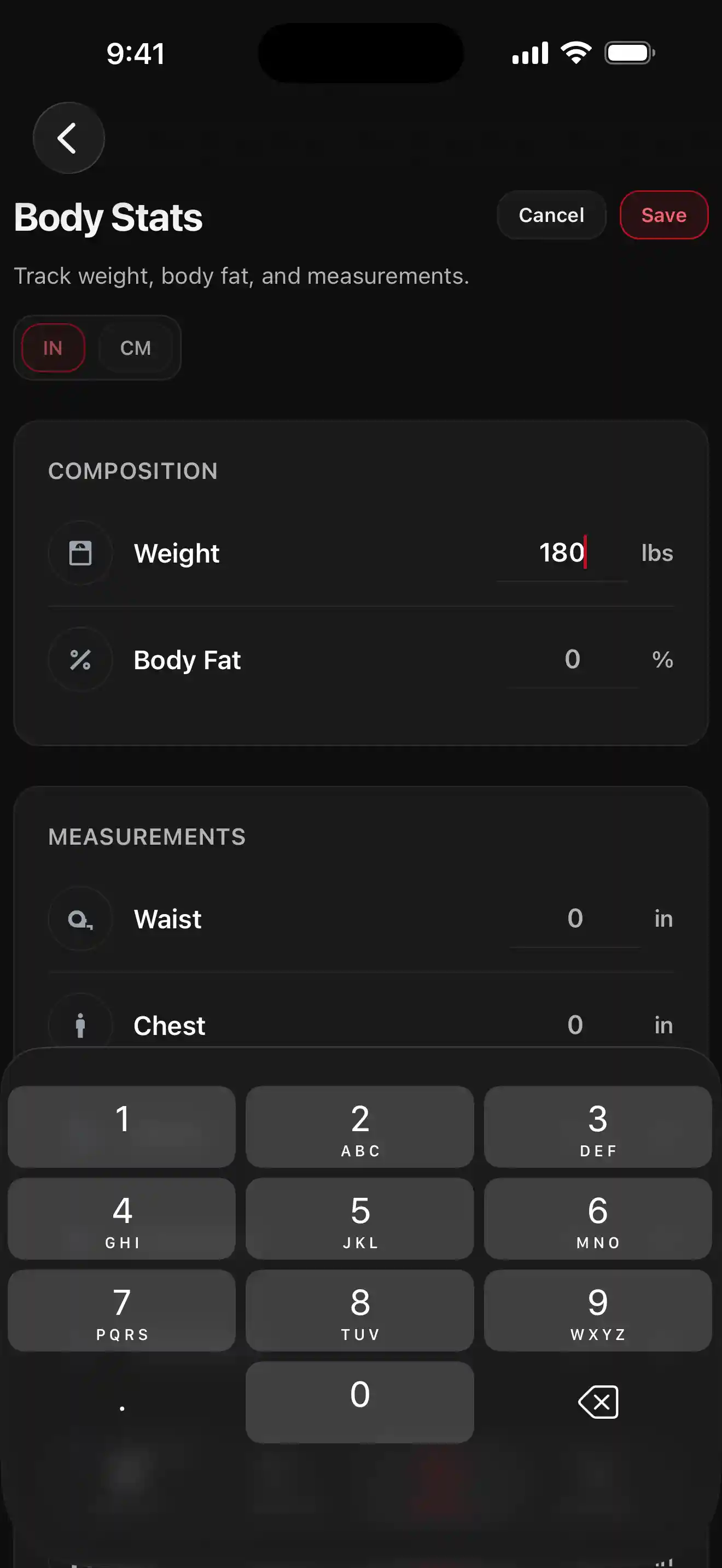
  • Review history, trends, and body stats

Workout flow

Log sets, adjust the session, and keep moving

This screen is built for the middle of a workout. Open exercise instructions, adjust session sets, switch set types like warm-up or drop sets, add notes, and use tools like Break or Save Me without losing your place. Watch the short demo for the full start-to-finish flow.

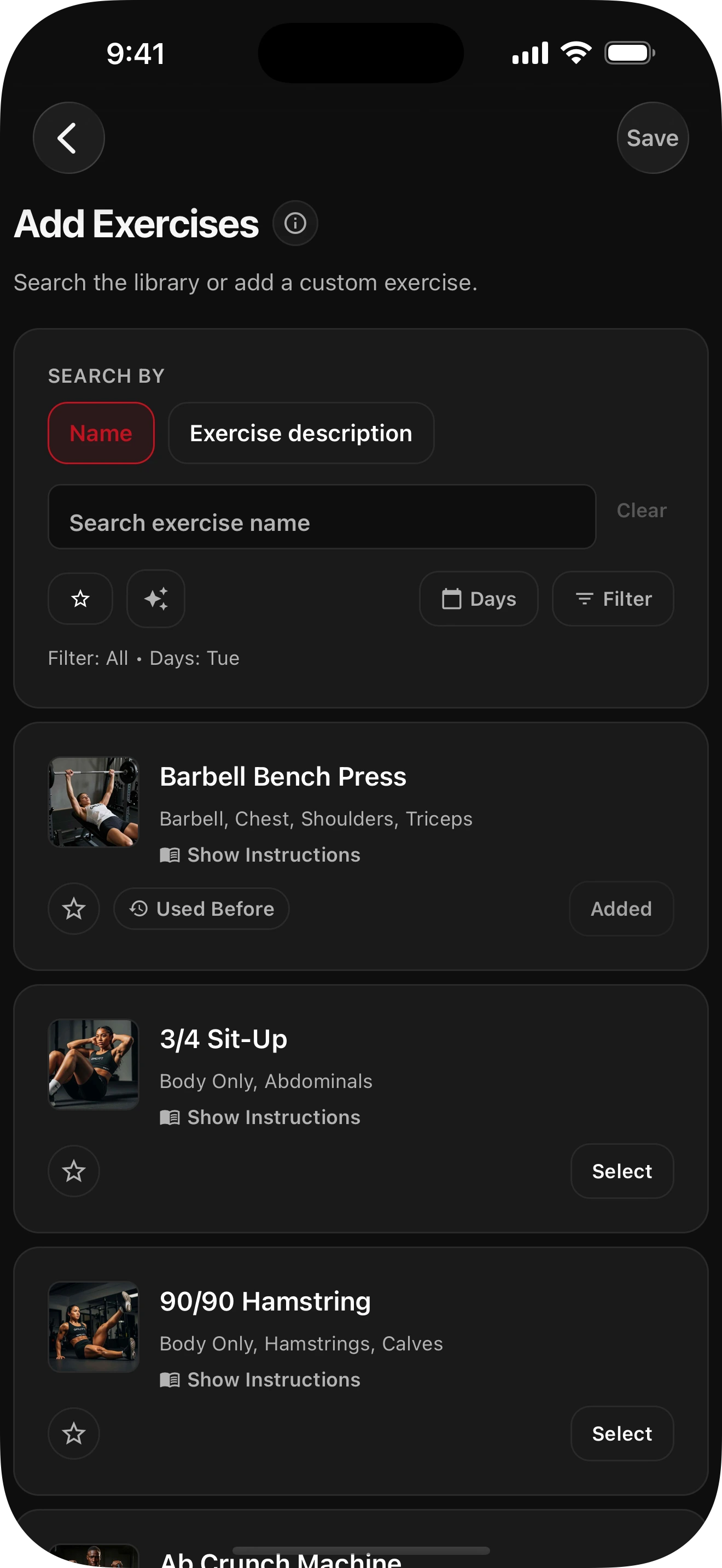
Find the right exercises fast and add them where you need them

Search by exercise name, describe the movement in plain English, or narrow results with Smart Filters like Bar > Chest to zero in on lifts such as bench press. Add exercises to one or multiple training days, or create a custom exercise when it is not already in the library.
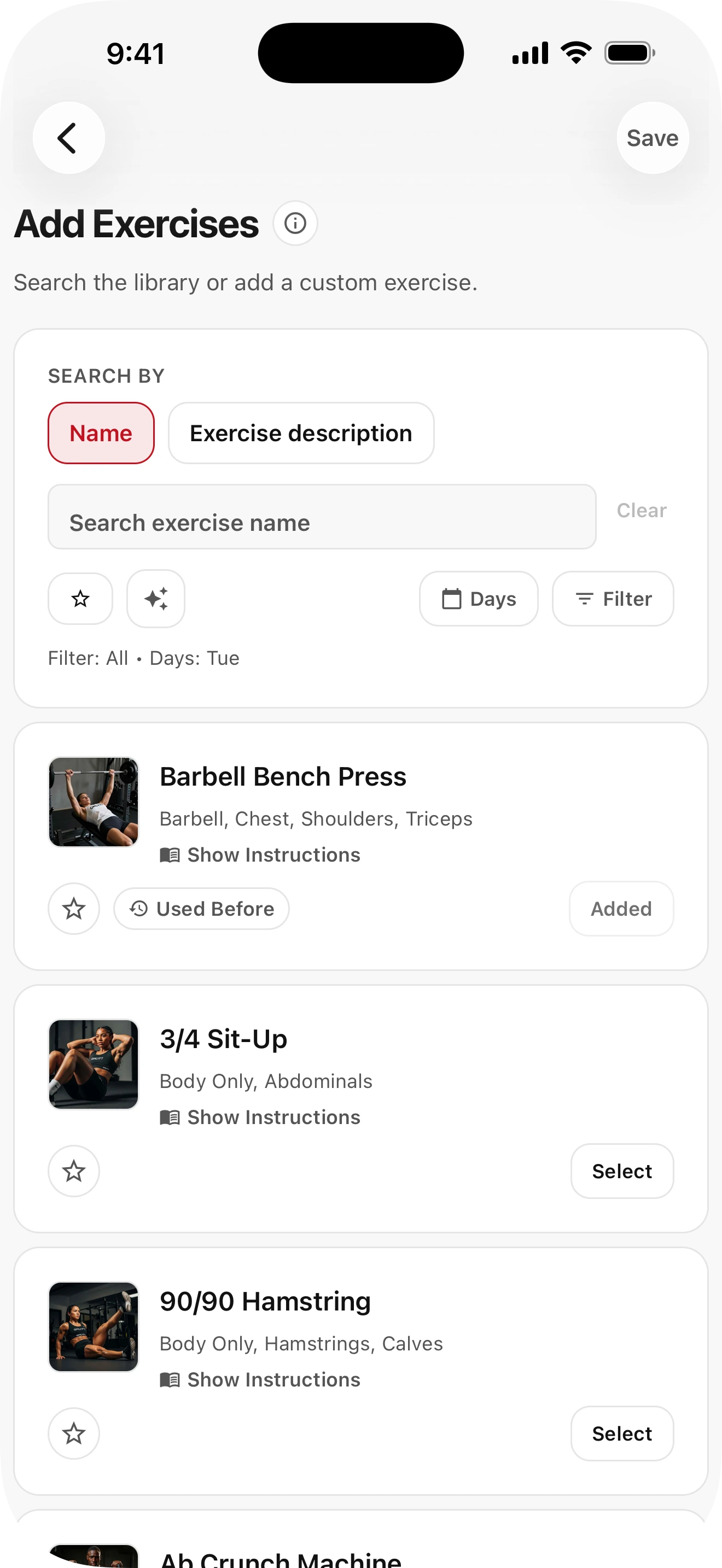
Light mode screenshot placeholder for the GMLYFT routine builder screen.

Run workouts with less interruption

Log sets quickly, follow what is next, use built-in recovery timing, and keep the session moving. The workout flow is designed to reduce friction once training starts.

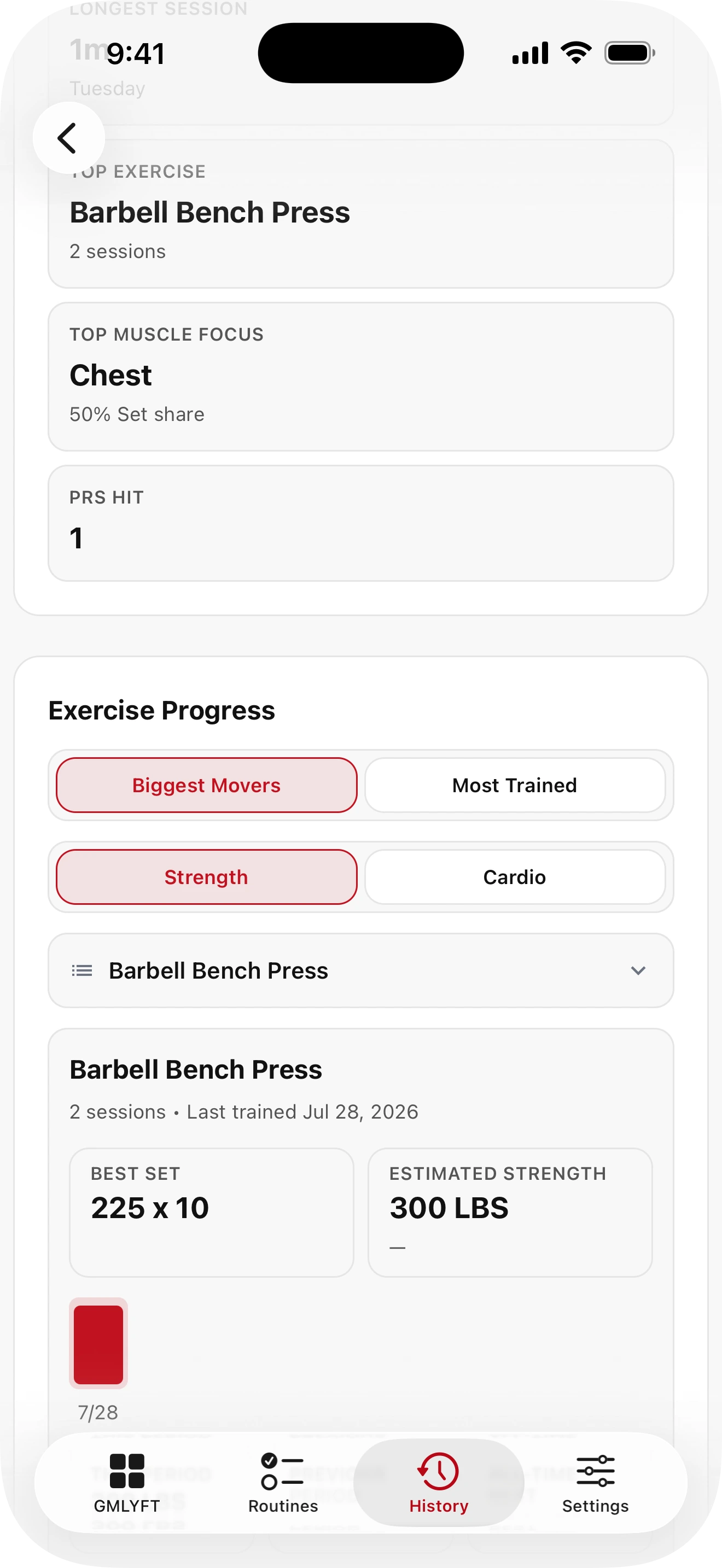
Light mode screenshot for progress and history views in GMLYFT.

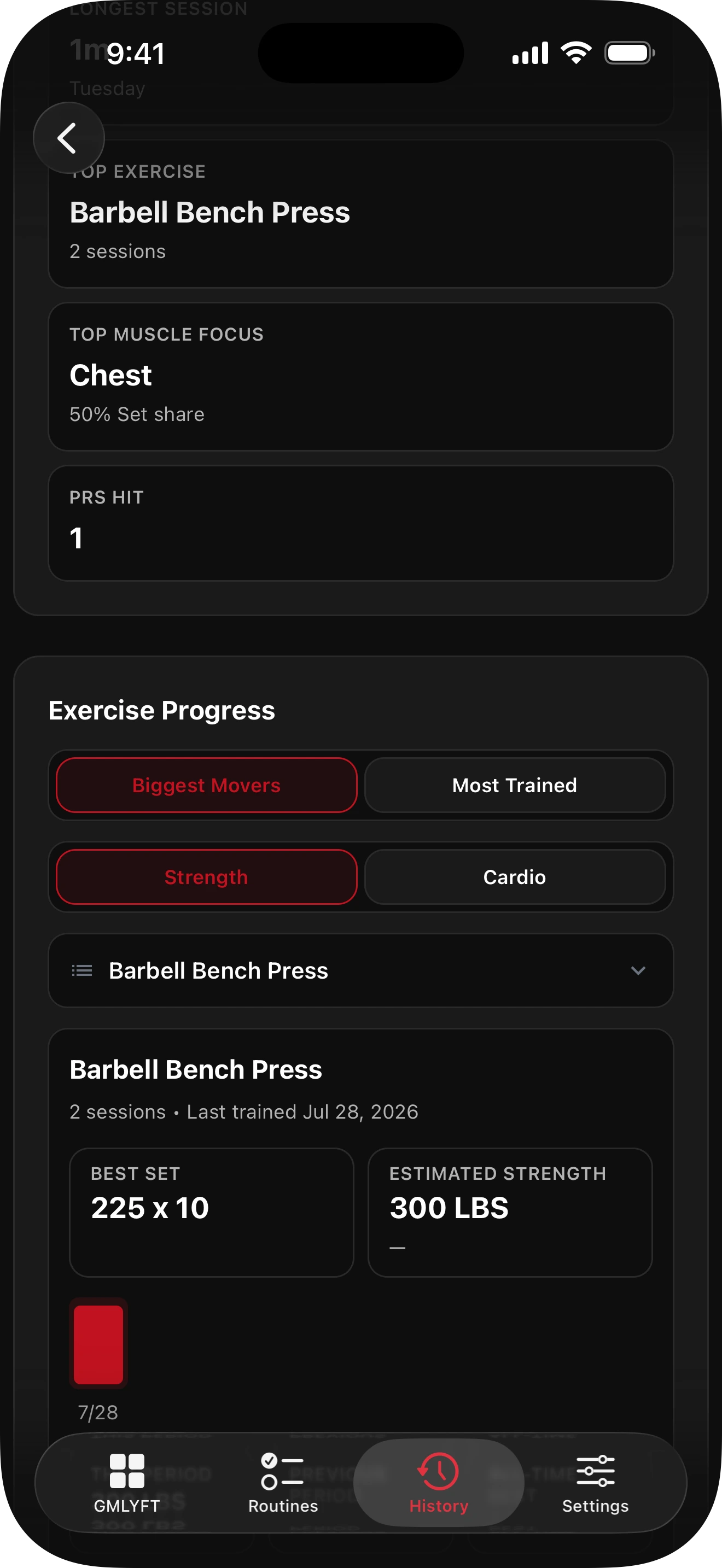
Review workouts, set history, and progress over time

Use history to inspect completed sessions, compare exercise performance, review set-level logs, and spot changes in volume, duration, and consistency across your training.

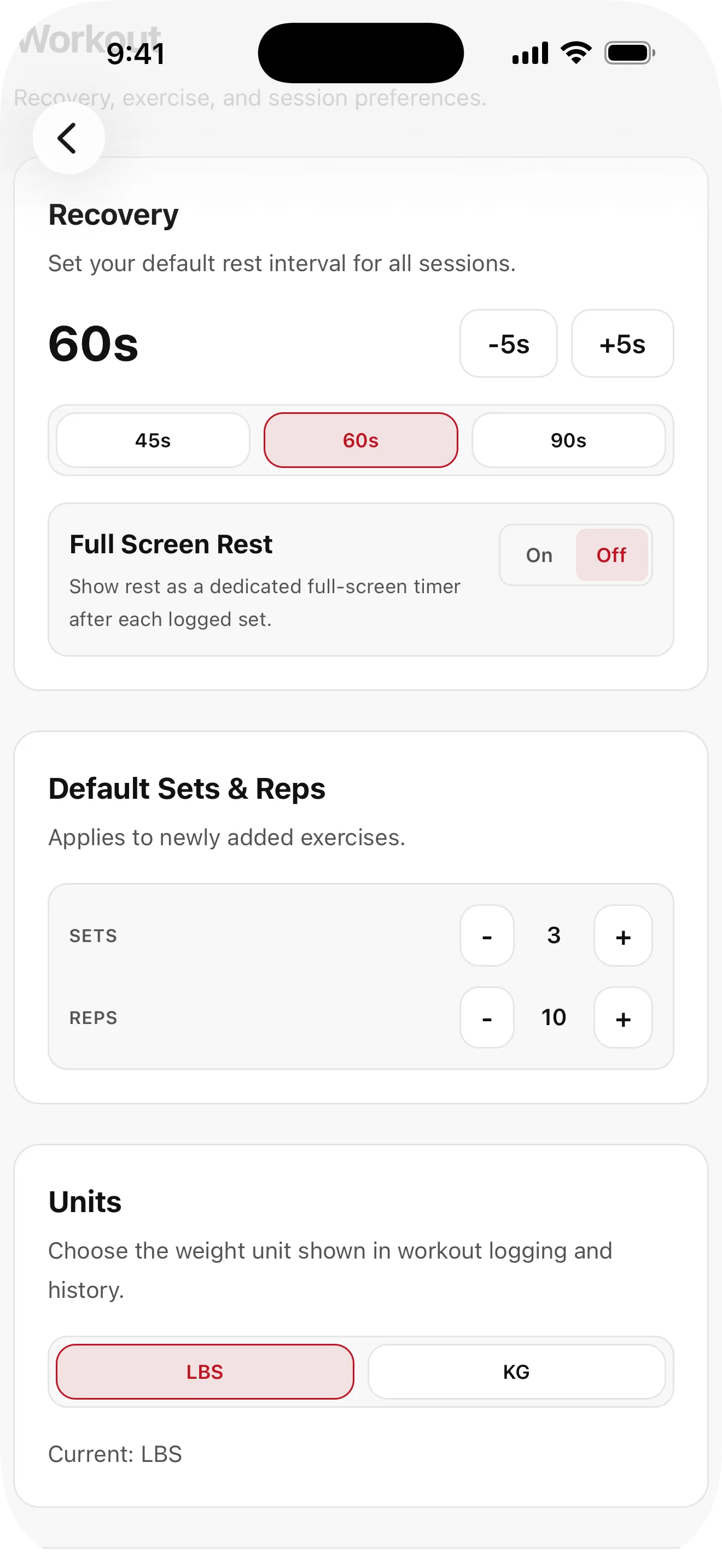
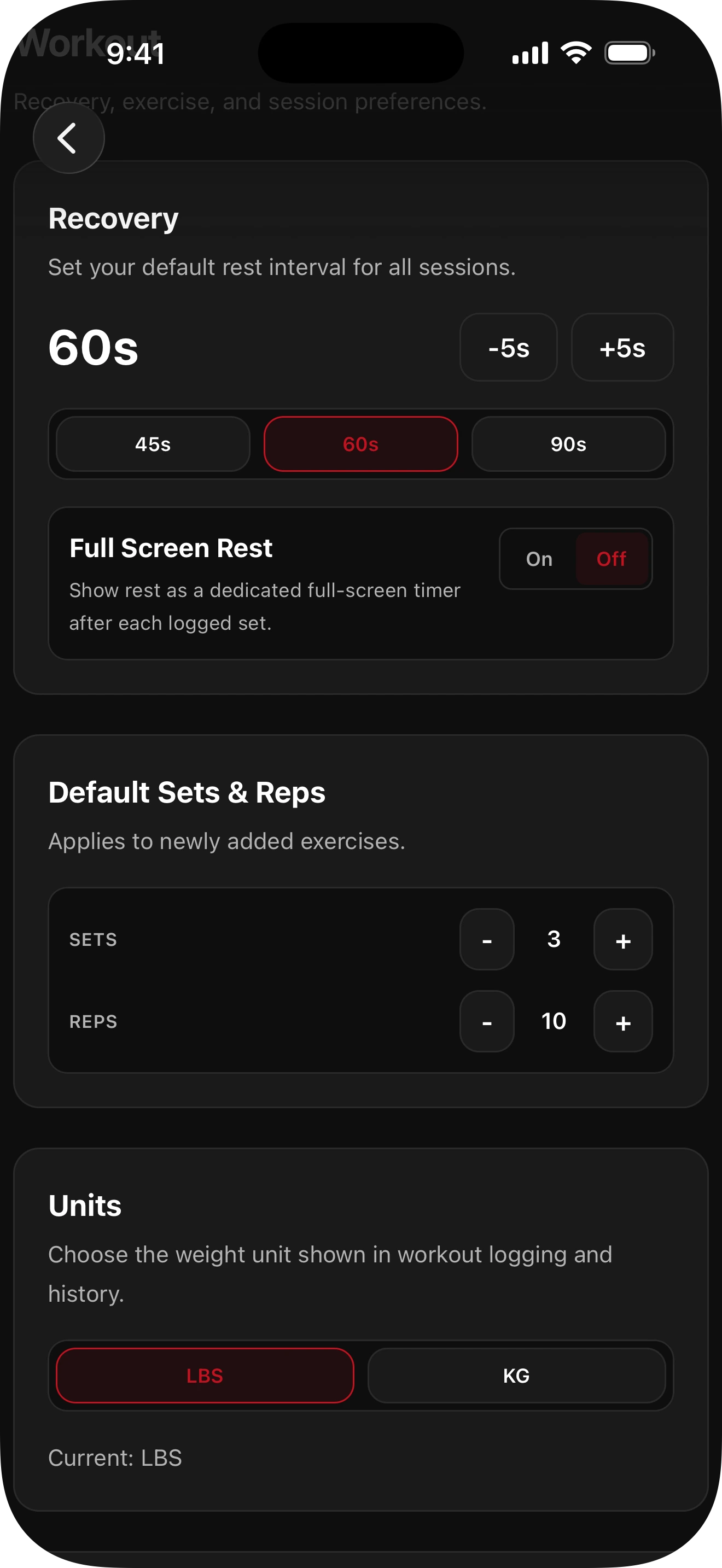
Adjust recovery, reminders, display, and app behavior

Customize rest defaults, units, notifications, display preferences, workout options, and account or data controls so GMLYFT fits how you actually train.

Light mode screenshot for settings and personalization in GMLYFT.

Now live on iOS and Android.

Download GMLYFT from the App Store or Google Play today and start building more consistent training sessions.

Browse How-To guides